That receipt has dinner plans in it.
Pasta. Peppers. A can of beans. The things you just bought are more useful when you can remember them next week.
Haivenly turns your grocery receipt into a starting point for your kitchen inventory. Remember what you paid for, put it into the dinner plan and check before buying it again.


How it works
You already did the shopping.
Put the receipt to work.
There’s plenty to do after a grocery run. Finding room in the fridge. Putting the frozen things away. Remembering what you meant to make with everything.
Start with the record you already have. Scan the receipt, give the details a look and let those purchases become part of the kitchen you’re planning from.
1. Scan what came home
Use a clear, readable grocery receipt to get started. Haivenly helps turn the store’s item names into purchases you can recognize.

2. Give the details a quick look
Check the item matches and amounts while the groceries are nearby. A shortened name or a package size may need your help. You can correct the details before confirming.

3. Make it part of your kitchen
Confirm the receipt to update your inventory. Now those groceries can help with the next “What do we have?” and “What could we cook?”
Product matching
Your recipe says pasta. Your receipt says something else.
What comes next
This is where the next meal starts.
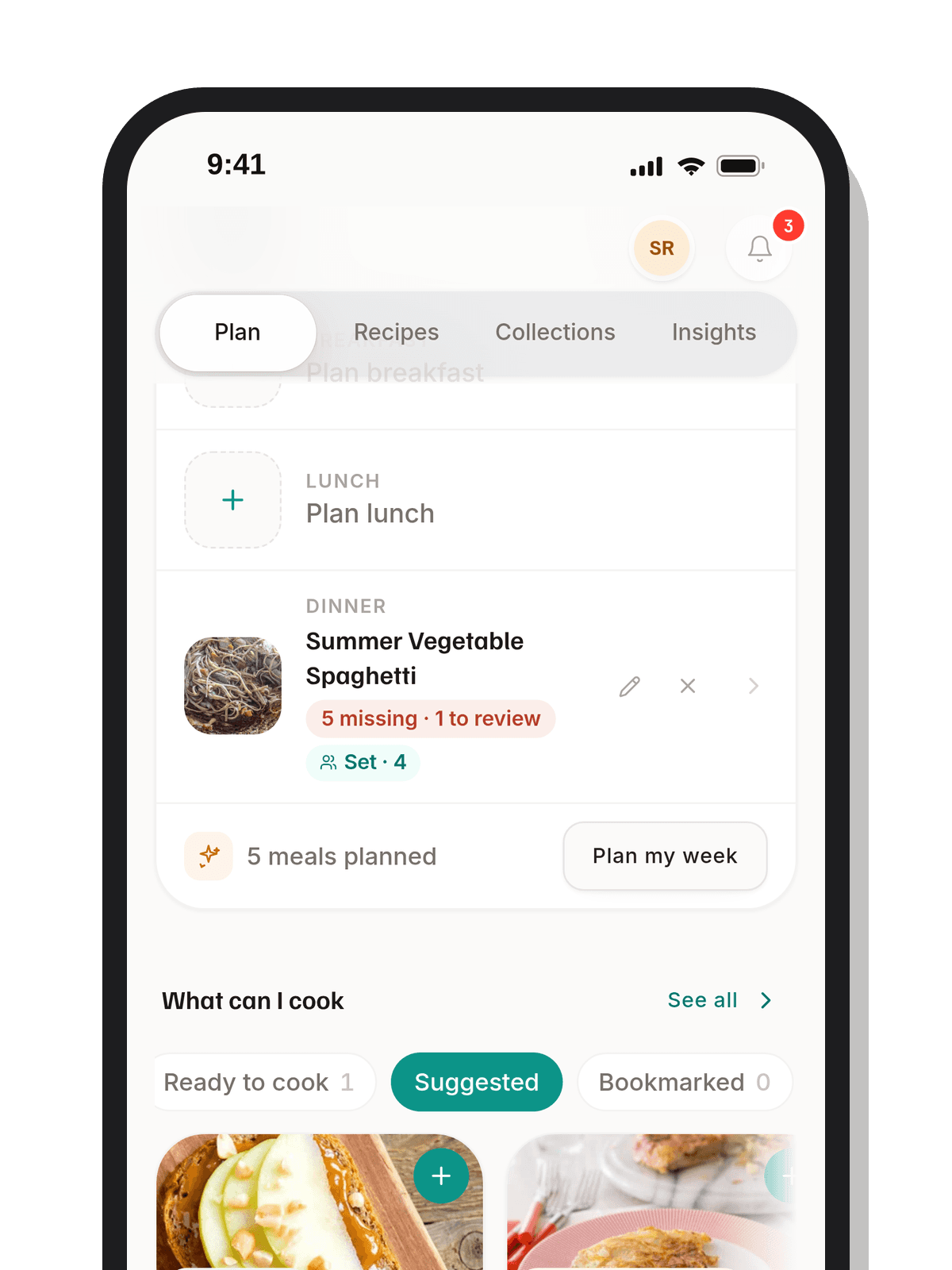
Once the groceries are in your inventory, you have a starting point for dinner ideas and the shopping that follows. Choose meals with what’s on hand, then see what’s missing.
You’ve already spent the money. Haivenly helps you give those purchases a purpose before the next grocery run.